
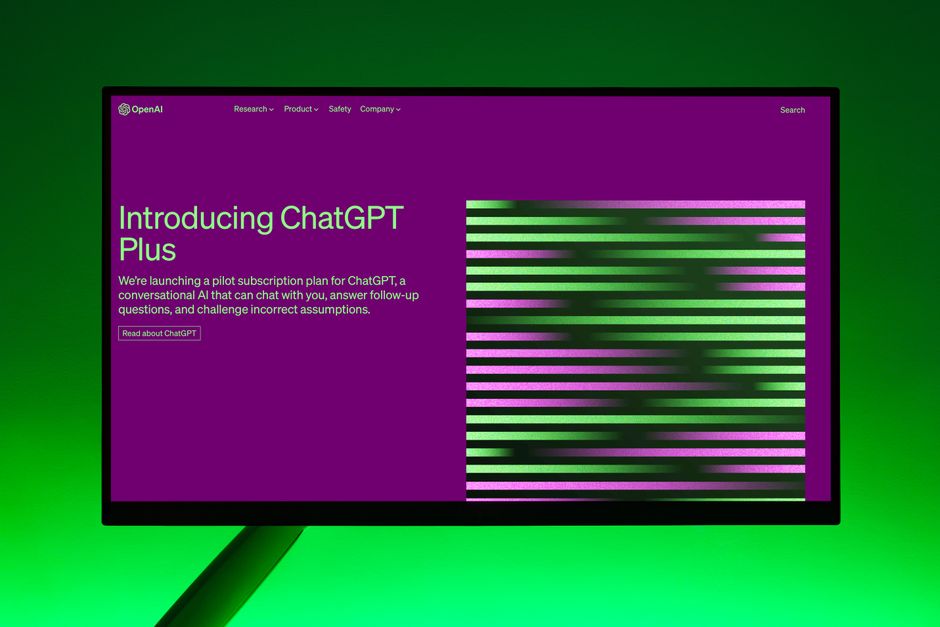
Need to start a blog to attract organic traffic? AI can provide topic ideas, outline entire articles, and even draft sections. For SEO, you can be specific: “Write an outline for a blog post about the benefits of organic skincare for sensitive skin, targeting keywords like ‘gentle skincare’ and ‘natural remedies’.”
Design Inspiration and User Experience (UX) Enhancement
While AI won’t replace a skilled web designer, it can be a powerful source of inspiration and a tool for refining the user experience.
- Visual Theme and Color Palette Suggestions: Describe your brand and target audience, and AI can suggest aesthetic directions. “Suggest color palettes and visual themes for a wellness retreat website aiming for a calm and natural feel.”
- User Flow Mapping: Understanding how users navigate your site is key. AI can help map out potential user journeys. “Describe a typical user flow for someone looking to book a consultation on a legal services website.”
- A/B Testing Idea Generation: Want to optimize your calls to action or headlines? AI can brainstorm variations for A/B testing. “Suggest different calls to action for a landing page promoting an online course on digital marketing.”
Integrating AI into Your Workflow: Practical Steps
So, how do you actually *use* these tools effectively without getting overwhelmed?
1. Start with Clear Objectives
Before you type a single prompt, know what you want to achieve. Are you looking for content ideas? To refine your target audience? To brainstorm SEO keywords? The more specific your goal, the better the AI’s output will be.
2. Treat AI as a Collaborator, Not a Replacement
The best results come from a partnership. Use AI to generate ideas, drafts, and insights, but always apply your human expertise, creativity, and critical thinking. Edit, refine, and fact-check everything AI produces.
3. Master the Art of Prompt Engineering
The quality of AI output is directly related to the quality of your prompts. Be detailed, provide context, and specify the format and tone you desire. Experiment with different phrasing to see what works best.
4. Leverage AI for SEO-Specific Tasks
When thinking about SEO, use AI to:
- Identify content gaps: Ask what questions users in your niche are asking that you haven’t covered.
- Optimize existing content: Paste a piece of content and ask AI to suggest ways to improve its SEO or readability.
- Brainstorm internal linking opportunities: Ask AI to suggest related articles on your site that could be linked to a new piece of content.
5. Don’t Forget About Google News and Pay-Per-Click (PPC)
While AI’s direct impact on Google News is more about content quality and relevance, it can help you create content that *might* be picked up. For PPC, AI can be invaluable for:
- Ad copy generation: Create multiple variations of ad headlines and descriptions to test.
- Keyword ideation for ad campaigns: Brainstorm relevant keywords for Google Ads.
- Landing page optimization: Generate persuasive copy for your PPC landing pages.
The Human Touch Remains Paramount
It’s crucial to remember that AI tools like Gemini and ChatGPT are assistants. They can generate text, ideas, and data, but they lack genuine human understanding, empathy, and creativity. Your unique brand voice, your deep understanding of your audience, and your strategic vision are irreplaceable. AI can help you execute faster and more efficiently, but it cannot replace the soul of your website.
Frequently Asked Questions (FAQ)
Q1: Can Gemini and ChatGPT replace my web developer or designer?
No, not entirely. They can assist with tasks like coding snippets, design inspiration, and content generation, but they cannot replace the strategic thinking, problem-solving skills, and artistic vision of a human professional. Think of them as powerful tools that enhance their capabilities.
Q2: How do I ensure the content generated by AI is original and not plagiarized?
While AI models are trained on vast datasets, they generate new text. However, it’s always a good practice to use plagiarism checkers on any AI-generated content before publishing. Furthermore, always edit and add your own unique insights to ensure originality.
Q3: Will using AI for my website development project affect my SEO?
Using AI to *create* content or optimize your site can positively impact SEO if done correctly. AI can help you produce high-quality, relevant content faster. However, relying solely on AI without human oversight or creating low-quality, repetitive content can negatively affect your SEO.
Q4: How can I use Gemini and ChatGPT to get better results for my Google News submission?
For Google News, focus on creating timely, authoritative, and well-researched content. AI can help you brainstorm trending topics, structure your articles logically, and ensure clarity and conciseness. However, genuine news value and factual accuracy are paramount, which requires human journalistic integrity.
Q5: What’s the difference between Gemini and ChatGPT for website development tasks?
Both are powerful large language models with overlapping capabilities. Gemini, developed by Google, often excels in tasks related to Google’s ecosystem and can sometimes offer more up-to-date information. ChatGPT, developed by OpenAI, is known for its conversational abilities and creative text generation. The best choice often depends on the specific task and your personal preference for the interface and output style.
Conclusion: Embracing the Future, Human-First
The integration of AI tools like Gemini and ChatGPT into website development and design is not a distant dream; it’s a present reality. By understanding their capabilities and limitations, and by treating them as intelligent collaborators, you can streamline your projects, enhance your content, and ultimately build a more effective and engaging online presence. The key is to harness their power while always keeping your human ingenuity, your audience’s needs, and your unique brand vision at the forefront. So, embrace these tools, experiment, and get ready to build your next website with an AI-powered advantage.
