
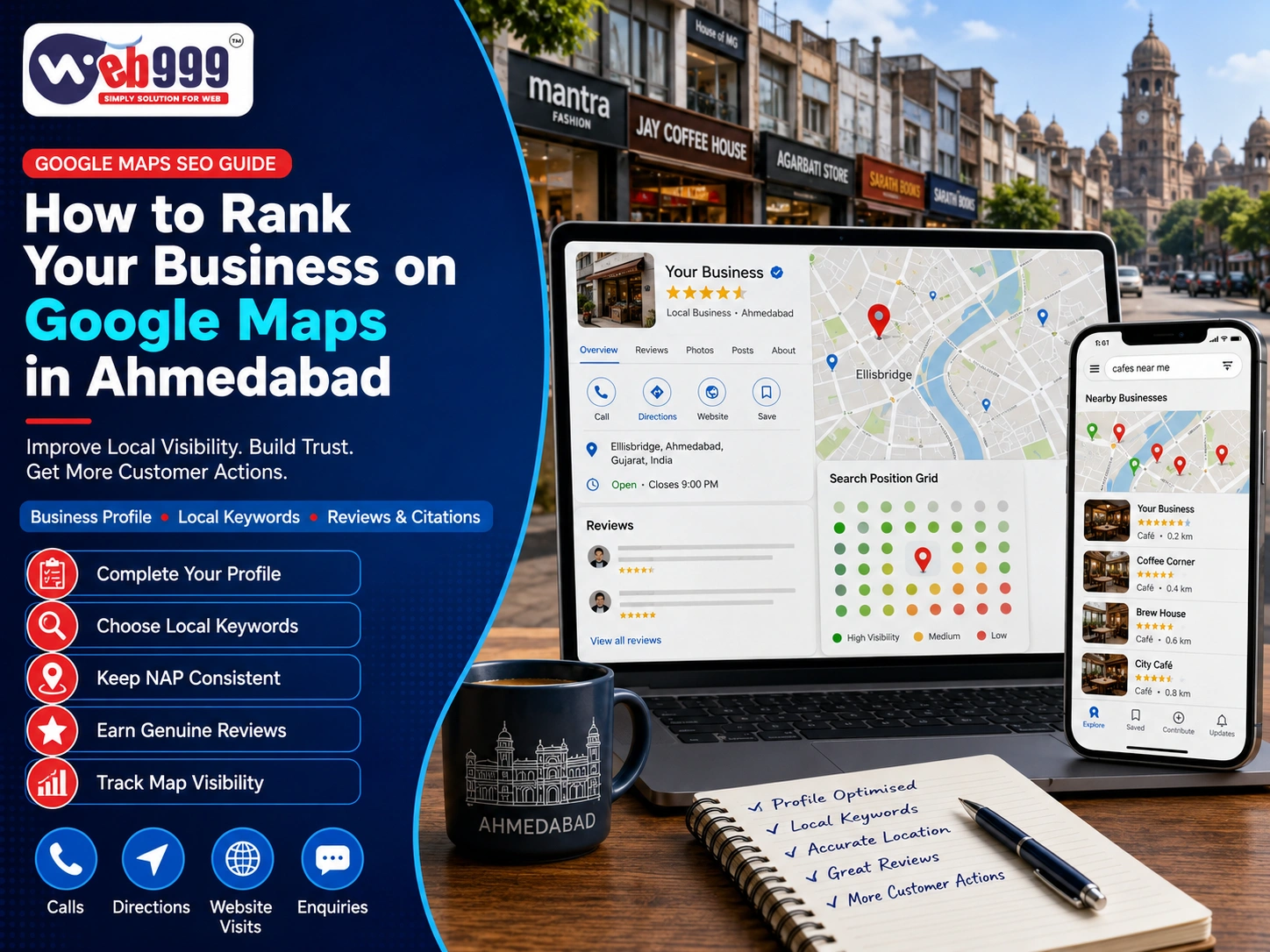
When customers in Ahmedabad need a nearby service, their first step is often a Google search. Whether they are looking for a dentist, restaurant, website development company, salon, repair service or local shop, Google Maps can influence which business they contact first.
For local businesses, appearing prominently on Google Maps can generate valuable actions such as phone calls, website visits, direction requests, bookings and enquiries.
However, Google Maps SEO is different from traditional website SEO. Results can change according to the customer’s location, the search performed, competition and the strength of the business’s online presence.
This guide explains practical ways to improve your Google Maps ranking in Ahmedabad and build stronger local visibility without relying on fake reviews, keyword stuffing or artificial locations.
Understanding Google Maps SEO
Google Maps SEO is the process of improving your business’s visibility when customers perform location-based searches.
Examples may include:
- Dentist near me
- Restaurant in Ahmedabad
- Website development company in Ahmedabad
- AC repair near me
- Salon in Satellite
- Interior designer in Ahmedabad
A properly optimised Google Business Profile combined with a strong website and trustworthy online presence can make it easier for potential customers to discover your business.
How Does Google Determine Local Rankings?
Google considers several signals when deciding which businesses should appear for a local search.
Three important concepts are relevance, distance and prominence.
Relevance
Relevance refers to how closely your business matches what a customer is searching for.
Your business category, services, description, website content and other profile information help search engines understand what your company offers.
How to Improve Local Relevance
Keep your Google Business Profile accurate and provide detailed information about your genuine services.
Avoid adding unrelated services simply because those keywords receive high search volume.
Distance
Distance considers the relationship between the searcher’s location and the business.
For example, someone searching for a coffee shop in Navrangpura may see different results from a person performing the same search from Maninagar.
Why Google Maps Results Change by Location
Google Maps results are highly location-dependent. This means a business cannot realistically maintain exactly the same Maps position across every part of Ahmedabad.
Prominence
Prominence relates to how established and trustworthy a business appears online.
Factors that may contribute to a stronger online presence include:
- Genuine customer reviews
- Relevant website links
- Consistent business information
- Local citations
- Website authority
- Overall brand presence
Building Prominence Naturally
Focus on developing a genuine business reputation instead of attempting shortcuts such as purchased reviews or irrelevant backlinks.
1. Find and Claim Your Google Business Profile
Before creating a new Google Business Profile, search for your business on both Google Search and Google Maps.
Your business may already have a listing created previously by an employee, customer, agency or another source.
How to Search for an Existing Listing
Try searching with:
- Exact business name
- Business name + Ahmedabad
- Business phone number
- Complete address
- Previous business name
If the correct profile already exists, use the available ownership process rather than creating another listing.
Avoid Duplicate Google Business Profiles
Duplicate profiles can create confusion and may divide reviews and other business information across multiple listings.
Check Before Deleting a Duplicate
Do not immediately delete an old listing. First confirm which profile contains important reviews, accurate information and existing authority.
2. Complete Google Business Profile Verification
Verification helps establish that the business genuinely operates from or serves the stated location.
Depending on the business and profile, Google may provide different verification options.
These can include methods such as:
- Video verification
- Phone
- Live video
- Other available verification methods
Prepare Genuine Business Evidence
During verification, you may need to demonstrate that your company genuinely operates from the location.
Relevant evidence may include:
- Exterior signage
- Business entrance
- Interior workspace
- Equipment
- Surrounding street/location
- Business documents
- Evidence of access to the premises
Keep Business Ownership Secure
The business owner should ideally retain primary ownership of the profile.
Employees or marketing agencies can receive appropriate access without transferring complete ownership.
Avoid Fake Verification Methods
Using false addresses or misleading information can put the entire profile at risk of rejection or suspension.
3. Use Your Real Business Name
Your Google Business Profile should use the same name customers see on your:
- Signboard
- Website
- Invoices
- Marketing materials
- Official business documents
Avoid Keyword Stuffing in the Business Name
Suppose the real business name is:
Patel Dental Care
Do not unnecessarily change it to something like:
Patel Dental Care – Best Dentist, Implant & Root Canal Clinic Ahmedabad
Where Should You Use Service Keywords?
Instead of changing your genuine business name, describe your services through:
- Business categories
- Services
- Business description
- Website pages
- Relevant content
Build a Recognisable Business Name
Your real business name should create long-term brand recognition rather than being treated as a place to insert search keywords.
4. Select the Most Relevant Primary Category
Your primary Google Business Profile category provides important information about what your business actually does.
Select the category that most accurately represents your main activity.
Add Secondary Categories Carefully
Secondary categories can be useful when your business genuinely provides additional services.
However, adding every loosely related category is unnecessary.
Review Categories Periodically
Available categories can change over time, so review your profile occasionally and make updates when genuinely required.
5. Add an Accurate Address or Service Area
Businesses where customers physically visit should provide an accurate location.
Important details can include:
- Shop or building number
- Street
- Local area
- Ahmedabad
- Gujarat
- Postal code
Check Your Google Maps Pin
Make sure the map pin points to the correct building or entrance.
This is particularly important for offices located inside:
- Shopping centres
- Commercial buildings
- Business complexes
- Large campuses
Service-Area Businesses
If your company visits customers instead of receiving them at an office, configure the profile according to the appropriate service-area model.
Do Not Create Artificial Locations
Virtual locations or addresses where customers cannot genuinely visit may create serious profile problems.
6. Complete Every Important Profile Section
A partially completed profile provides less useful information to both potential customers and search engines.
Complete all relevant sections available for your business category.
Important Google Business Profile Information
Include accurate details such as:
- Phone number
- Website
- Opening hours
- Special hours
- Business description
- Services
- Products where applicable
- Appointment links
- Business attributes
- Opening date where relevant
- Genuine photographs
Write Your Description for Customers
Explain:
- What your business does
- Who you serve
- Your important services
- What customers can expect
Mention Ahmedabad Naturally
Location terms should appear where relevant, but avoid repeating “Ahmedabad” unnaturally throughout every sentence.
7. Add Genuine Services to Your Profile
Detailed service information helps customers understand whether your company provides what they need.
Use Specific Service Names
For example, a website development company may list:
- Website design
- WordPress development
- E-commerce development
- Website redesign
- SEO services
A dental practice may include:
- Dental consultation
- Root canal treatment
- Dental implants
- Teeth cleaning
- Braces
Keep Profile and Website Services Consistent
The services shown on your Google Business Profile should align with the services described on your website.
Never Add Services You Do Not Provide
Adding irrelevant services purely because they have high search volume can reduce the accuracy and usefulness of your profile.
8. Connect Your Profile to the Right Website Page
Your Google Business Profile should send customers to a relevant, fast and mobile-friendly website page.
For a Single-Location Business
A business operating from one location may link to its main homepage or relevant local landing page.
For Businesses With Multiple Branches
Each genuine branch should ideally connect customers with the appropriate branch or location page.
Information the Landing Page Should Contain
Include:
- Business name
- Address
- Telephone number
- Opening hours
- Main services
- Enquiry options
- Directions
- Map
- Relevant local information
Maintain Consistent Contact Information
Your website’s address and phone number should match the information customers see on your Google Business Profile.
9. Optimise Your Website for Ahmedabad Searches
Your website and Google Business Profile should support one another.
Instead of putting every service on a single generic page, create useful individual service pages where appropriate.
What Should a Local Service Page Include?
A strong service page can explain:
- What the service includes
- Who needs the service
- How the process works
- Areas genuinely served
- Frequently asked questions
- Contact options
Use Ahmedabad Keywords Naturally
Mention relevant areas only when your business actually serves those locations.
Avoid Location Keyword Stuffing
Adding dozens of Ahmedabad neighbourhood names simply to attract searches can make content unnatural and less useful.
10. Keep Your Business Information Consistent Online
Your core business information should remain consistent wherever customers find your company.
Places to Check
Review information on:
- Your website
- Google Business Profile
- Relevant directories
- Industry portals
- Business association listings
Pay Attention to Old Information
Old phone numbers and previous addresses can remain online long after a business has moved.
Maintain One Approved Version
Keep a standard version of your business name, address and contact information and use it consistently across important platforms.
11. Upload Genuine Business Photos
Photos can help customers understand what your business looks like before visiting or contacting you.
Useful Photos to Upload
Consider genuine photographs of:
- Exterior
- Signboard
- Entrance
- Interior
- Staff
- Products
- Equipment
- Completed projects
- Customer facilities
- Parking or access
Prioritise Authenticity
A restaurant should show its real food and seating, while a manufacturer can show genuine products and facilities.
Quality Matters, but Reality Matters More
A clear photograph of your real business can often provide more value than an attractive but unrelated stock image.
12. Develop a Genuine Google Review Strategy
Reviews can influence customer confidence and contribute to the overall online reputation of your business.
Do not wait until you urgently need reviews.
When to Request Customer Reviews
You can consider requesting feedback after:
- Completing a service
- Delivering a product
- Completing an appointment
- Resolving a support request
- Receiving positive feedback
Make Leaving a Review Easy
Provide customers with the official review link through appropriate channels such as WhatsApp, SMS or email.
Never Purchase Google Reviews
Avoid buying reviews or requesting reviews from people who have never used your business.
A smaller number of genuine customer experiences is more valuable for long-term trust than artificial feedback.
13. Respond to Customer Reviews Professionally
Review responses show customers that your business pays attention to feedback.
Respond to Positive Reviews Personally
Avoid posting exactly the same “Thank you” response under every review.
Mention something relevant to the customer’s experience where appropriate.
Handle Negative Reviews Calmly
Acknowledge legitimate concerns and encourage the customer to contact the business directly when the matter requires private discussion.
Protect Customer Privacy
Never publish sensitive or private customer information while responding to a public review.
14. Publish Helpful Google Business Profile Updates
Where the feature is available, use Business Profile posts to keep customers informed.
Ideas for Business Profile Posts
You can share:
- New services
- Updated working hours
- Seasonal offers
- Upcoming events
- New products
- Recent projects
- Useful business announcements
Focus on Useful Updates
Avoid publishing the same promotional message repeatedly.
Think Beyond Rankings
A useful update may not only support your profile activity; it can also encourage a customer to call, visit or enquire.
15. Answer Common Customer Questions
Potential customers often need practical information before contacting or visiting a business.
Common Questions to Answer
Examples include:
- Is parking available?
- Do I need an appointment?
- What payment methods do you accept?
- Is home service available?
- Are you open on Sundays?
- Which Ahmedabad areas do you serve?
- Is an initial consultation available?
Keep Answers Accurate
Incorrect or outdated information can create unnecessary confusion.
Monitor Customer-Facing Information
Regularly review information visible on your profile and correct inaccurate details where possible.
16. Build Relevant Local Links and Mentions
Google Maps optimisation extends beyond the Business Profile itself.
A strong local online presence can include mentions and links from credible sources.
Local Link Opportunities
Depending on your business, opportunities may include:
- Ahmedabad business associations
- Trade organisations
- Event websites
- Supplier websites
- Partner websites
- Local publications
- Professional directories
- Industry exhibitions
- Community organisations
- Educational partnerships
Focus on Relevant Relationships
Links should make sense for your business and industry.
Avoid Bulk Link Packages
Purchasing large quantities of unrelated backlinks is not a substitute for building genuine local authority.
17. Add Local Business Schema to Your Website
Local Business schema is structured information that can help search engines understand important business details.
Information That Schema Can Describe
It may include:
- Business name
- Business type
- Address
- Telephone number
- Opening hours
- Location
- Website
Keep Structured Data Accurate
Information included in structured data should correspond with accurate information visible on the website.
Schema Is Not a Ranking Shortcut
Adding structured data can improve clarity for search engines, but it should not be viewed as a guaranteed way to achieve a top Google Maps position.
18. Improve Website Speed and Mobile Experience
Many Google Maps users browse from smartphones.
After discovering your profile, a potential customer may visit your website before deciding whether to call or enquire.
Mobile Website Elements to Check
Review:
- Page loading speed
- Text readability
- Navigation
- Click-to-call buttons
- WhatsApp buttons
- Booking forms
- Contact forms
- Maps and directions
- Image sizes
Keep Contact Actions Easy to Find
Important contact options should remain clearly accessible without making the design crowded.
Simple and Fast Can Be Better
A clean website that loads quickly and answers customer questions can often provide a stronger experience than an unnecessarily complicated website.
19. Measure Google Maps SEO Performance
Do not evaluate your Google Maps performance only by searching for your own business repeatedly.
Search positions can change according to location, device and other factors.
Business Metrics Worth Monitoring
Track meaningful actions such as:
- Phone calls
- Direction requests
- Website visits
- Bookings
- Messages
- Contact-form submissions
- WhatsApp enquiries
- New customer visits
Compare Results Over Time
Review performance month by month while considering seasonal changes in customer demand.
Connect Rankings With Real Business Results
The purpose of local SEO is not simply to see your company in a higher position. The more important question is whether Google Maps is producing qualified enquiries, visits and customers.
20. Protect Your Google Business Profile
A well-established Business Profile can become a valuable digital asset.
Improve Account Security
Use strong passwords and enable available two-step verification options for the account managing the profile.
Regularly Review Profile Access and Information
Check:
- Profile users
- Suggested edits
- Business details
- Photos
- Reviews
- Opening hours
- Website link
- Phone number
Remove Unnecessary Access
Former employees or agencies that no longer work with the company should not retain unnecessary profile access.
Common Google Maps SEO Mistakes to Avoid
Some shortcuts can create more problems than benefits.
Buying Five-Star Reviews
Artificial reviews can disappear and may reduce customer trust.
Adding Keywords to the Business Name
Use your genuine real-world business name instead of inserting extra services and locations purely for SEO.
Creating Profiles at Fake Addresses
Artificial locations can put a Business Profile at risk.
Selecting Unrelated Categories
Choose categories that genuinely describe your company.
Using the Wrong Map Pin
An inaccurate map location can send potential customers to the wrong place.
Ignoring Business Hours
Incorrect opening hours create a poor customer experience.
Creating Duplicate Listings
Multiple profiles for the same business can confuse customers and divide important profile information.
Expecting a Guaranteed Google Maps Position
Google Maps results depend partly on the searcher’s location and other factors.
No legitimate strategy can guarantee exactly the same position for every customer across Ahmedabad.
A Practical Monthly Google Maps SEO Routine
You do not need to make unnecessary changes to your profile every day.
Monthly Google Business Profile Checklist
A practical routine can include:
- Check business name, address and phone number
- Update special working hours
- Upload useful new photographs
- Respond to genuine customer reviews
- Publish relevant updates
- Check website and phone links
- Review calls and direction requests
- Correct inaccurate online information
- Improve an important website page
- Request honest feedback from recent customers
Consistency Matters More Than Constant Changes
Regular maintenance is generally more useful than making a large number of changes once and then ignoring the profile.
How Long Does Google Maps SEO Take in Ahmedabad?
There is no universal ranking timeline.
Businesses operate in different locations and face different levels of competition.
Factors That Can Affect Progress
These include:
- Business location
- Distance from the searcher
- Business category
- Local competition
- Profile completeness
- Website quality
- Customer reviews
- Local authority
- Ongoing optimisation
Think Long Term
Local SEO should be approached as an ongoing process rather than a one-time profile setup.
Avoid Guaranteed Ranking Promises
Be cautious of anyone promising a guaranteed Maps position within a fixed period, particularly across an entire city.
Google Maps SEO Services in Ahmedabad by Web999
If your company is struggling to appear for relevant local searches or your Google Business Profile is generating very few enquiries, Web999 can help identify potential areas for improvement.
Our Local SEO Services Can Include
- Google Business Profile audit
- Category review
- Business information optimisation
- Service optimisation
- Local keyword research
- Website SEO
- Local landing pages
- Citation correction
- Review strategy
- Local content
- Structured data implementation
- Performance reporting
Ethical and Practical Local SEO
Our approach focuses on genuine business information and sustainable optimisation practices.
No Fake Locations or Purchased Reviews
We do not recommend building a local SEO strategy around fake business addresses, purchased customer reviews or misleading business names.
Frequently Asked Questions About Google Maps SEO
How Can I Rank Higher on Google Maps in Ahmedabad?
Complete your Google Business Profile accurately, choose appropriate categories, add genuine services, improve your website, collect authentic customer reviews and maintain consistent business information across important online platforms.
Can I Pay for a Higher Organic Google Maps Ranking?
Paid advertising and organic Google Maps visibility are different. Advertising should not be treated as a guaranteed method for improving your organic local position.
How Many Google Reviews Do I Need?
There is no single review number that guarantees a ranking. Local visibility depends on multiple factors, including relevance, distance, prominence and competition.
Why Does My Google Maps Position Change Across Ahmedabad?
The searcher’s location can influence local results. Someone close to your business may see a different result from someone searching several kilometres away.
Should I Add Ahmedabad to My Google Business Name?
Only use Ahmedabad in the business name when it is genuinely part of your real-world business name. Avoid adding locations purely to influence rankings.
Can a Service-Area Business Rank Without Showing Its Address?
Eligible service-area businesses can configure their profiles according to the applicable Google Business Profile requirements while serving customers in designated areas.
How Long Does It Take to Improve Google Maps Visibility?
The timeframe varies according to competition, location, business history, website quality and other factors. Local SEO generally requires consistent work rather than a one-time change.
Can Web999 Manage My Google Business Profile?
Yes. Web999 can help review and optimise your Business Profile, supporting website pages, local citations and overall local SEO strategy.
Start Improving Your Google Maps Visibility in Ahmedabad
Building strong Google Maps visibility requires more than creating a profile and adding a few keywords.
Your Google Business Profile, website, reviews, local citations, business information, mobile experience and online reputation should work together to make your company easier for local customers to discover and trust.
Need Professional Google Maps SEO Support?
Web999 provides local SEO and Google Business Profile optimisation services for businesses looking to strengthen their online visibility in Ahmedabad.
Contact Web999
Speak with our team to discuss your Google Maps and local SEO requirements.
Web999 Contact Information
Call or WhatsApp: +91 99044 34226
Email: info@web999.in
Website: www.web999.in
